Master the Markets with Professional-Grade Tools
Step-by-step guide to starting your journey on the Moomoo official app. From seamless digital account opening to mastering 100+ technical indicators and executing your first paper trade.

Starting with Moomoo Official Version
Follow these simple steps to go from a curious observer to a confident investor.
Download the Official Version
Install the official app securely on your preferred mobile or desktop device to gain access to real-time global market infrastructure.
Open Your Account
Complete the digital application in minutes with secure verification and instant tracking to unlock full trading capabilities.
Explore the Tools
Use Paper Trading with virtual funds to get familiar with our 100+ technical indicators and advanced market depth risk-free.
Maximize Your Uninvested Cash
The Moomoo official website version offers competitive APY on your uninvested cash, ensuring your money works for you even between trades without locking up your liquidity.

Configuring Your Analytical Workspace
Tailor your layout to your exact strategy using professional charting suites and deep market order books.
Technical Indicators Setup
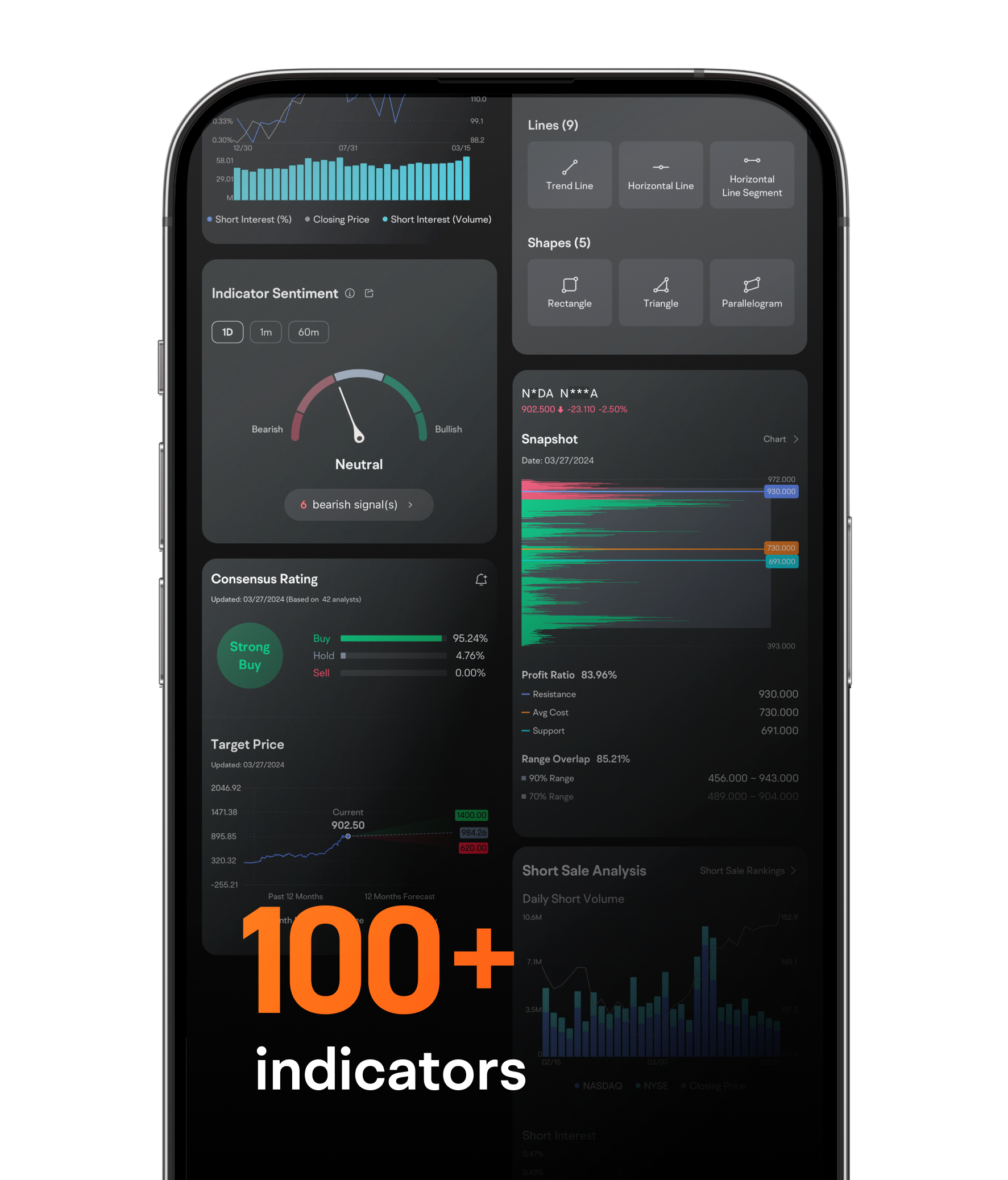
Combine over 100+ indicators such as RSI, MACD, and Bollinger Bands directly on your charts to identify precise entry and exit signals.
Level 2 Depth & Options Strategies
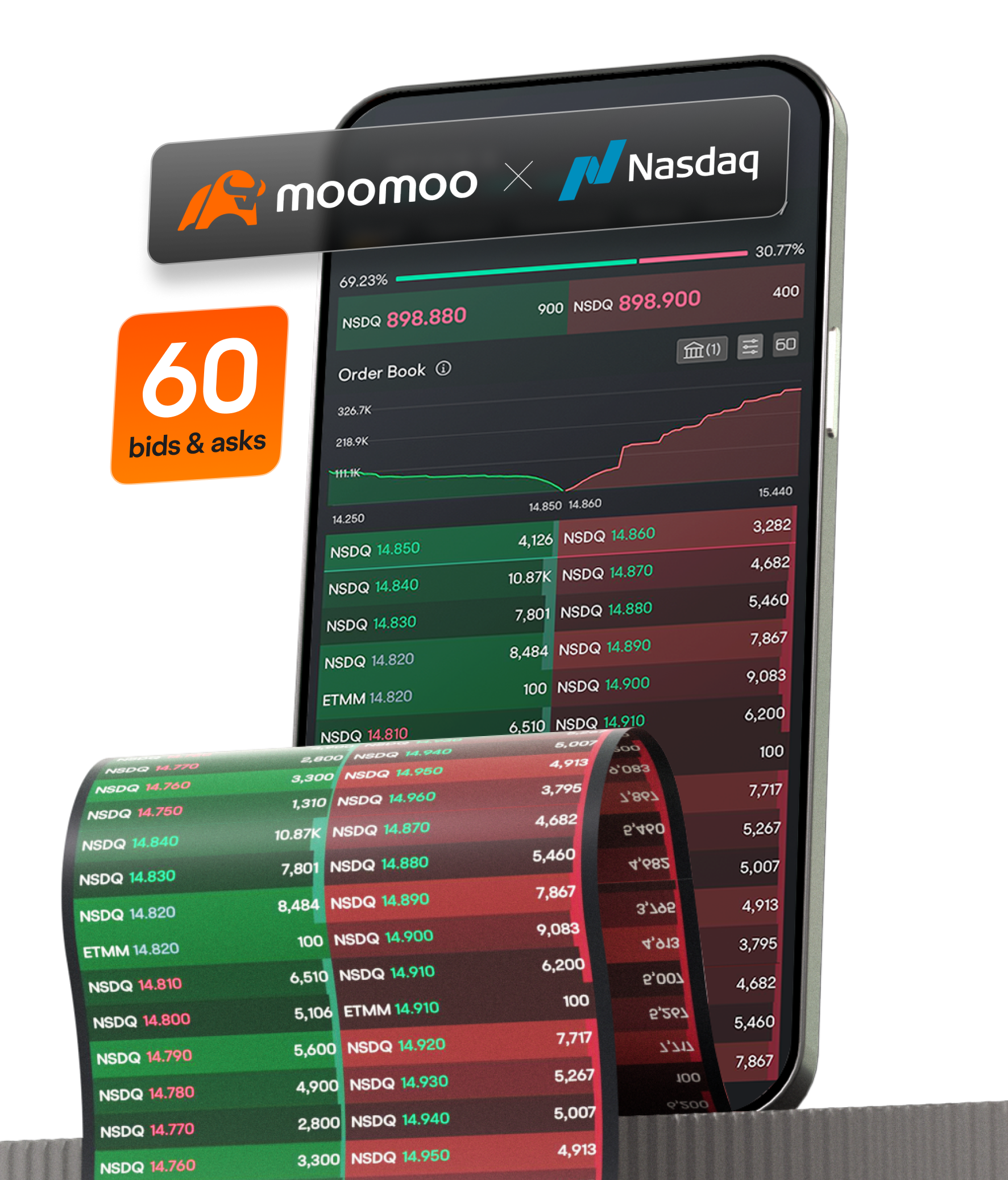
Inspect 60 levels of bids and asks powered by Nasdaq TotalView, and execute complex multi-leg options strategies with built-in risk calculation.